Аргумент XDA о том, что самые умные AI-редакторы расширяют VS Code, а не заменяют его, попал в точку: экосистема расширений VS Code — это главное конкурентное преимущество. Следующий вопрос более честный — что действительно переманивает разработчика от VS Code в 2026 году, после лет попыток его покинуть? Мы протестировали семь наиболее рекомендуемых альтернатив VS Code для веб-разработки, бэкенда и системного программирования, оценивая их по скорости запуска, качеству языковых серверов, интеграции с AI и тому, какие помехи возникают, когда вам нужно вернуться к VS Code для разовой задачи.
Быстрое сравнение
| Редактор | Лучше всего подходит для | Бесплатный план | Стартовая цена | Отличительная черта |
|---|---|---|---|---|
| JetBrains IntelliJ IDEA | Глубокая IDE для Java/Kotlin | Community Edition | $169/год Ultimate | Лучший рефакторинг в классе |
| Cursor | AI-первый форк VS Code | Бесплатно с ограничениями | $20/мес Pro | Встроенный агент в редакторе |
| Zed | Редактор, ориентированный на скорость | Бесплатно | $20/мес Pro AI | Задержка ввода менее 50 мс |
| Sublime Text | Король длительной производительности | Пробный период | $99 одноразово | Неотличим от мгновенного |
| Neovim | Настраиваемый терминальный редактор | Бесплатно | Бесплатно | Память мышц о клавишах в течение десятилетий |
| Helix | Модальный редактор со стандартными возможностями | Бесплатно | Бесплатно | Разумные стандартные настройки, без избыточности |
| Windsurf | AI-расширенный форк VS Code | Бесплатно с ограничениями | $15/мес Pro | Автодополнение Codeium-класса |
Почему люди уходят от VS Code
VS Code — это выбор по умолчанию не без причины, но опрос разработчиков Stack Overflow за 2025 год показал, что отток пользователей редактора достиг самого высокого уровня с 2021 года. Повторяющиеся паттерны:
- Память и запуск. Загруженное рабочее пространство с двадцатью расширениями может занимать 1,2 ГБ оперативной памяти и открываться шесть секунд. Люди это замечают.
- Гонка AI. Cursor и Windsurf выпустили интеграции AI агентов на год раньше, чем Copilot VS Code наконец-то их получил; некоторые команды переключились и не вернулись обратно.
- Глубина рефакторинга. Java, Kotlin и большие кодовые базы TypeScript получают лучше инструменты в продуктах JetBrains. Разрыв сузился, но не закрылся.
- Усталость от бренда Microsoft. Небольшая, но постоянная группа разработчиков не будет использовать редактор под брендом Microsoft в 2026 году по политическим причинам; VSCodium это смягчает, но не является настоящей альтернативой.
- Ренессанс модальных редакторов. Neovim и Helix выиграли от волны обмена конфигурациями, управляемыми YouTube; некоторые разработчики перешли от «VS Code с расширением Vim» к настоящим модальным редакторам.
Альтернативы
JetBrains IntelliJ IDEA — Лучше для глубины рефакторинга
IntelliJ IDEA — это IDE, на которой оказываются бывшие пользователи VS Code, когда хотят рефакторинга в промышленном масштабе. Инструменты переименования символов в модулях, языковой интеллект для Java и Kotlin и встроенный клиент базы данных превосходят эквиваленты расширений VS Code. AI-партнер Junie 2025 года был встроен прямо в IDE.
Где это падает: Тяжелый запуск при холодном запуске; сборки EAP обещают улучшения, но большинство пользователей видят 8–15 секунд. Редакции для конкретных языков (PyCharm, WebStorm и др.) дублируют функции вместо одного единого редактора; подписка на пакет помогает, но выглядит как денежный вымогатель.
Цены:
- Бесплатно: Community Edition только для Java/Kotlin
- Платно: $169/год Ultimate (один продукт), $289/год All Products Pack
- VS VS Code: более тяжелый запуск, гораздо глубже рефакторинг, платно
Миграция с VS Code: Установите плагин IdeaVim, если вы использовали расширение Vim. Используйте предустановку «VS Code keymap» на первую неделю, затем переключитесь на стандарты JetBrains, чтобы получить полное меню быстрого действия.
Загрузить: JetBrains IntelliJ IDEA
Итоговая линия: Выберите это для серьезной работы на Java, Kotlin или TypeScript, где рефакторинг — это ежедневный глагол.
Cursor — Лучший AI-первый форк
Cursor — это первый AI-редактор, основанный на VS Code, который вызвал самый большой сдвиг в доле внимания со времен смерти Atom. Построенный на том же ядре VS Code, он добавляет агента, который может редактировать файлы, запускать терминалы и создавать мультифайловые диффы из подсказок на естественном языке. Режим «Composer» 2026 года обрабатывает сквозные рефакторинги в пакетах.
Где это падает: Бесплатный уровень щедрый, но медленный. Уровень Pro за $20/мес увеличивается с использованием токенов. Синхронизация с исходными расширениями VS Code иногда отстает от магазина Microsoft на несколько дней.
Цены:
- Бесплатно: 2000 завершений и 50 запросов класса GPT-4 в месяц
- Платно: $20/мес Pro, $40/мес Business; доступны планы для команд
- VS VS Code: AI-агент, та же экосистема расширений, платно для серьезного использования
Миграция с VS Code: Cursor импортирует параметры, темы и расширения при первом запуске. Отключите любое расширение AI, которое у вас уже было; встроенный агент Cursor более способен, чем боковые конкуренты.
Загрузить: Cursor
Итоговая линия: Выберите это, когда вы хотите опыт VS Code, построенный вокруг AI-агента, а не AI как дополнения.
Zed — Лучше всего для скорости
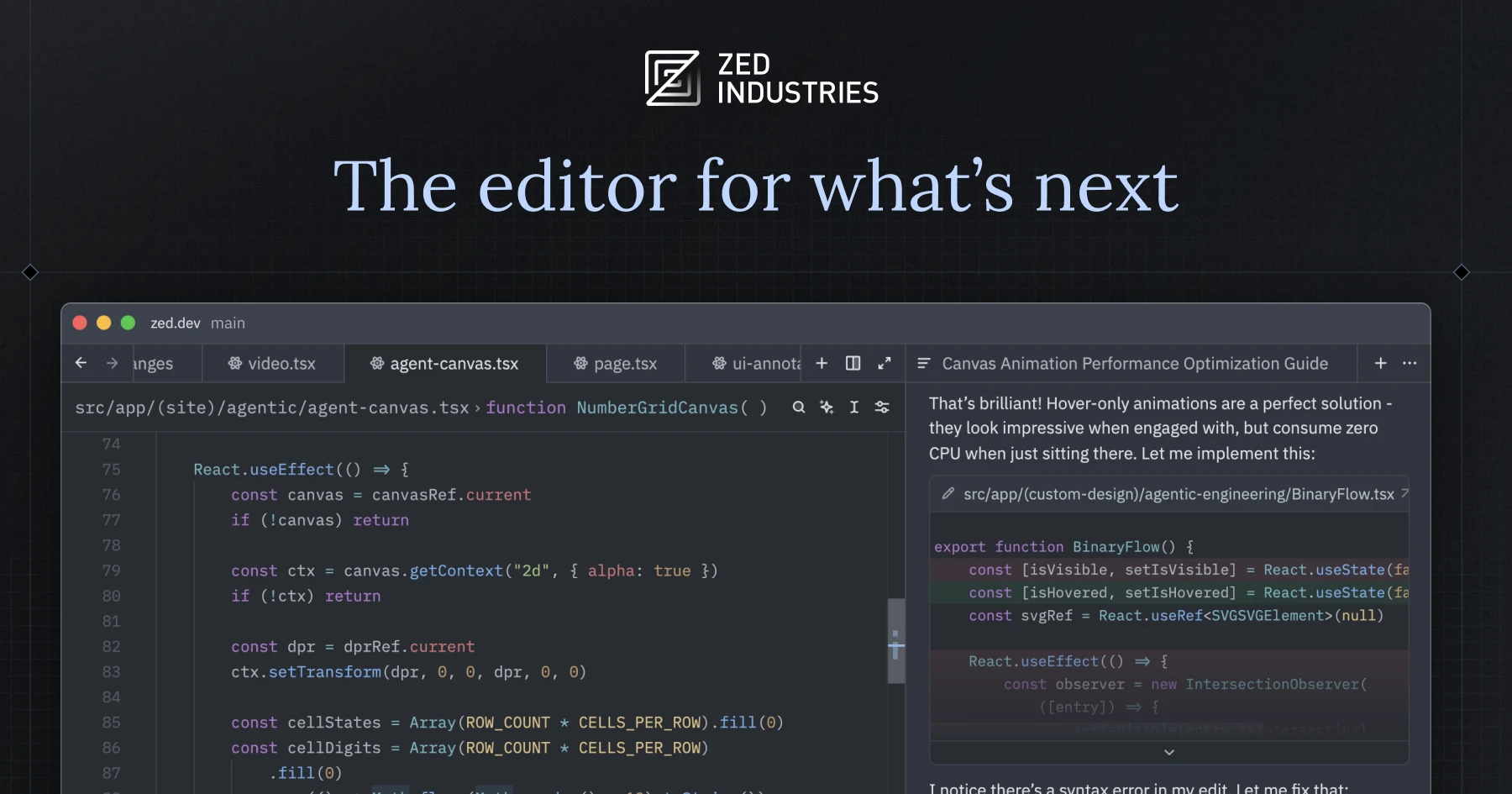
Zed — это основанный на Rust совместный редактор от команды Atom. Задержка ввода менее 50 мс — основная функция; конвейер рендеринга с ускорением GPU показывает разницу на той же рабочей нагрузке, которая заставляет VS Code заикаться. Обновление Zed Agentic 2025 года добавило вкладываемого AI-помощника.
Где это падает: Экосистема расширений на годы отстает от VS Code. Конкретные языки (PHP, Lua) все еще более грубые, чем в VS Code. Бесплатный уровень щедрый; уровень AI Pro включается быстро при интенсивном использовании.
Цены:
- Бесплатно: редактор плюс 50 запросов AI/мес
- Платно: $20/мес Pro AI, $40/мес командные планы
- VS VS Code: намного быстрее, меньше расширений, AI встроен
Миграция с VS Code: Импортируйте параметры через помощника миграции. Сопоставьте эквивалент палитры команд Cmd+Shift+P с памятью мышц VS Code. Используйте режим мультикурсора; реализация Zed — самая чистая в классе.
Загрузить: Zed
Итоговая линия: Выберите это, когда задержка ввода — ваша основная жалоба и вы можете обойтись без нескольких специальных расширений.
Sublime Text — Лучший долгосрочный редактор
Sublime Text — это редактор, который определил «мгновенную обратную связь» до появления VS Code. Версия 4 добавила встроенный терминал, горячий выход и боковую панель с вкладками; вкладка AI конца 2024 года обеспечила автодополнение на уровне среднего Copilot. Один бинарный файл, нет Electron, самый быстрый запуск в этом списке.
Где это падает: Экосистема расширений меньше VS Code и застаивается с 2022 года. Конфигурация только JSON; нет панели параметров GUI. Интеграция Sublime LLM отстает от Cursor и Windsurf на целое поколение.
Цены:
- Бесплатно: бесконечная оценка
- Платно: $99 однократная личная лицензия, $80/год для бизнеса
- VS VS Code: быстрее, меньше экосистема, однократный сбор вместо подписки
Миграция с VS Code: Используйте менеджер расширений Package Control для поиска замены один к одному для большинства расширений VS Code. Плагин Origami восстанавливает память мышц о разделении окна.
Загрузить: Sublime Text
Итоговая линия: Выберите это для серьезной работы с большими файлами, где скорость запуска и память важнее каждого плагина на рынке.
Neovim — Лучший терминальный редактор
Neovim — это современная переработка Vim, и 2025 год был годом, когда его LSP и интеграции AI наконец-то поравнялись с классом IDE. Менеджеры экосистемы плагинов (lazy.nvim, mason.nvim) заставляют редактор ощущаться как единое целое вместо сборки. Рабочий процесс в первую очередь из терминала поддерживает память менее 100 МБ на большинстве проектов.
Где это падает: Конфигурация — это хобби; ожидайте кривой обучения Lua перед тем, как редактор почувствует себя домашним. Новые пользователи, которые установили стартовую конфигурацию (LazyVim, NvChad), сообщают о лучших результатах, чем DIY. Интеграция AI требует выбора плагинов, которые Cursor или Windsurf обрабатывают за вас.
Цены:
- Бесплатно: с открытым исходным кодом
- Платно: бесплатно; авторы плагинов принимают пожертвования
- VS VS Code: крошечный объем памяти, требует реального времени конфигурации
Миграция с VS Code: Начните с LazyVim, если вы не хотите писать Lua. Установите GitHub Copilot.lua или codeium.nvim для AI. Не пытайтесь воссоздать каждую функцию VS Code на первой неделе; позвольте рабочему процессу возникнуть.
Загрузить: Neovim
Итоговая линия: Выберите это, когда вы хотите терминальный редактор, которому вы можете учить в течение лет, и вы выполните работу по настройке.
Helix — Лучший модальный редактор с разумными стандартами
Helix — это модальный редактор на основе Rust, который поставляется со стандартными возможностями: языковые серверы настроены из коробки, подсветка синтаксиса tree-sitter, поддержка мультикурсора и модель команд существительное-глагол, которая исправляет самую большую проблему UX Vim. Конфигурация не требуется для первого дня.
Где это падает: Система плагинов все еще находится в стадии проектирования по состоянию на середину 2026 года. Некоторые пользователи считают, что стандарты языковых серверов скрывают слишком много настроек. Интеграция AI только от третьих лиц.
Цены:
- Бесплатно: с открытым исходным кодом
- Платно: бесплатно
- VS VS Code: модальное редактирование без налога на конфигурацию Vim
Миграция с VS Code: Прочитайте учебник Helix. Не боритесь с моделью существительное-глагол; это дизайн. Сочетайте с Zellij для управления окнами, если вам нужны разделенные панели.
Загрузить: Helix
Итоговая линия: Выберите это, когда вы хотите модальное редактирование без траты выходных на конфиг Neovim.
Windsurf — Лучший форк Codeium-класса AI
Windsurf (ранее Codeium) — это второй основной форк VS Code, ориентированный на AI. Агент Cascade обрабатывает мультифайловые правки и поставляется с более сильной обработкой контекста кода для очень больших монорепозиториев, чем стандартные значения Cursor. Бесплатный уровень обрабатывает отдельные рабочие нагрузки без досады.
Где это падает: Узнаваемость бренда все еще отстает от Cursor. Некоторые функции предприятия (SSO, журналы аудита) только платные. Паритет расширений с VS Code хороший, но не идеален при только что выпущенных плагинах.
Цены:
- Бесплатно: бесконечно с дросселированными вызовами агента
- Платно: $15/мес Pro, $35/мес Team
- VS VS Code: AI-агент на уровне Cursor по более низкой цене, чем Cursor
Миграция с VS Code: Импорт параметров работает при первом запуске. Отключите любое автономное расширение AI; Cascade обрабатывает автодополнение и чат в одном стеке.
Загрузить: Windsurf
Итоговая линия: Выберите это, когда вам нужен AI Cursor-класса без ценообразования Cursor и вы работаете над большой кодовой базой.
Как выбрать
Выберите IntelliJ IDEA, когда рефакторинг — это ваш ежедневный глагол и вы работаете на Java, Kotlin или большом TypeScript. Выберите Cursor, когда вы хотите опыт разработчика, ориентированный на AI, и готовы платить $20/мес. Выберите Zed, если задержка ввода вас убивает, и вы можете жить с тонким списком расширений. Выберите Sublime Text для самого быстрого редактора в этом списке и однократной лицензии. Выберите Neovim, когда вы хотите инвестировать в рабочий процесс, ориентированный на терминал, который вы будете держать десять лет. Выберите Helix, если вы хотите модальное редактирование без бремени конфигурации. Выберите Windsurf, когда вы хотите паритет AI с Cursor по более низкому ценовому уровню.
Оставайтесь на VS Code, если инструментарий вашей команды, список расширений и плагины AI уже работают, и вы просто устали его видеть; предельное усиление от переключения обычно меньше, чем время, необходимое для восстановления ваших ярлыков.
FAQ
Какая лучшая альтернатива VS Code в 2026 году?
Cursor и JetBrains IntelliJ IDEA — это согласованные выборы. Cursor побеждает для разработчиков, ориентированных на AI, которые хотят встроенного агента; IntelliJ побеждает для серьезной работы на Java, Kotlin или большом TypeScript, которая выигрывает от глубокого рефакторинга.
Cursor лучше, чем VS Code?
Для рабочих процессов, управляемых AI, да. Агент Cursor отправляет функции, которые Copilot VS Code все еще не совпадает в 2026 году, и форк остается в синхронизации с API расширения ядра VS Code. Для работы без AI оба функционально идентичны.
Zed быстрее, чем VS Code?
Да, измеримо. Визуализатор с ускорением GPU Zed поддерживает задержку ввода менее 50 мс на рабочих нагрузках, где VS Code дрейфует выше 80 мс. Разница наиболее видна в больших файлах и операциях поиска-замены.
Могу ли я использовать расширения VS Code в Cursor?
Да. Cursor является форком VS Code и использует тот же магазин расширений. Некоторые расширения, опубликованные Microsoft (Remote SSH, Live Share), требуют обходных путей, но большинство сторонних расширений устанавливаются без изменений.
Какая лучшая бесплатная альтернатива VS Code?
Neovim, Helix и Zed — это бесплатные варианты. Zed имеет наиболее отполированный опыт из коробки; Neovim имеет глубочайшую конфигурируемость; Helix разделяет разницу с модальным редактированием и разумными стандартами.